
Account settings
Settings holds your account: email and password, the computers linked to WizeClip Connect, discreet mode and how new creators start out.
Open Settings from the account menu at the bottom of the menu bar, or search for it with Cmd K.
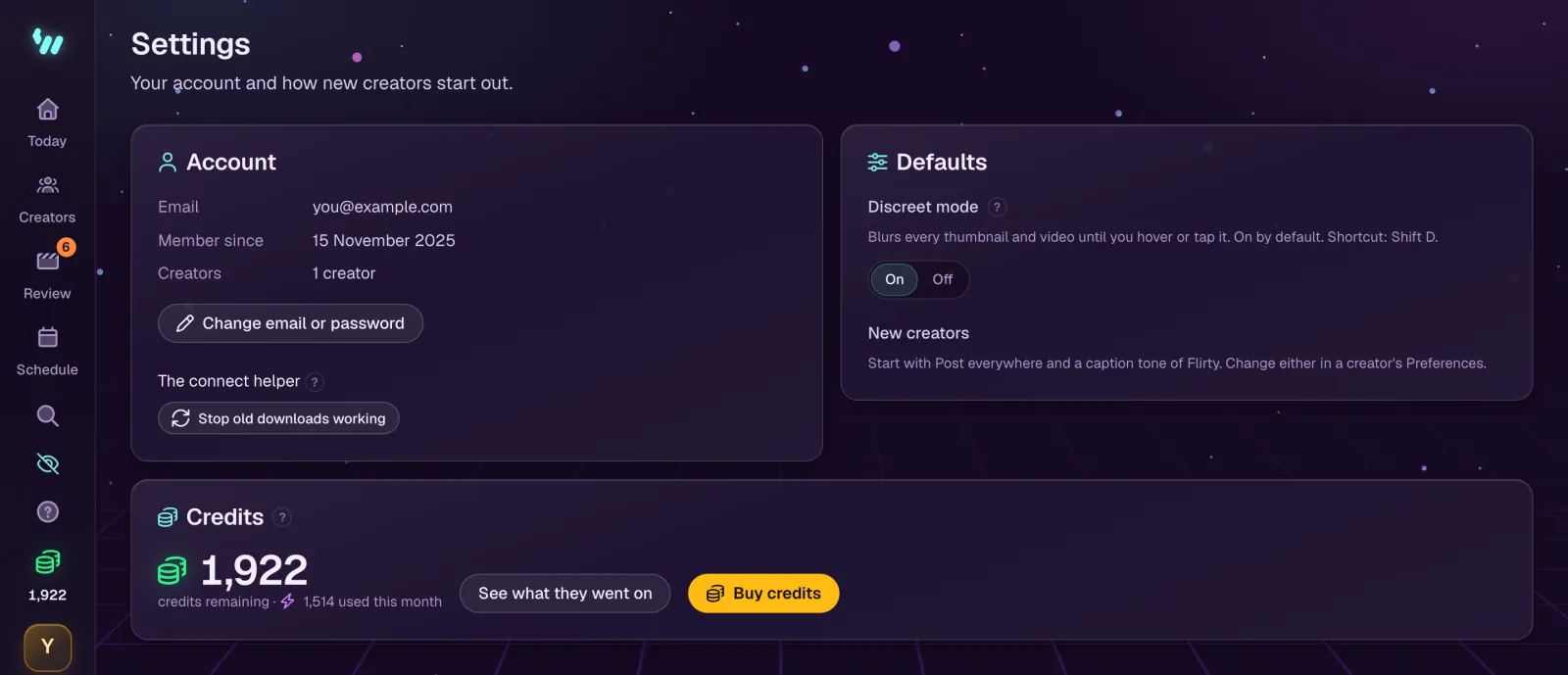
Account
- Change email or password. For a new email, type it with your current password: WizeClip sends a link to the new address, and the change is made when you open it. A new password needs at least 8 characters, typed twice.
- WizeClip Connect: the computers linked to your account, with when each was last used. Remove stops one at once. The downloads for Windows and macOS are here too. See Connecting platforms.
- The old connect helper: if you used it, Stop old downloads working stops every copy of it.
Defaults
- Discreet mode blurs every thumbnail and video until you hover over it or tap it. It is on by default, and Shift D switches it from any screen.
- New creators start with Post everywhere and a Flirty caption tone. Change either in the creator's Preferences.