
Search, shortcuts and discreet mode
Jump anywhere with one key, work through clips from the keyboard, and blur every picture on screen with another.
Search or jump to
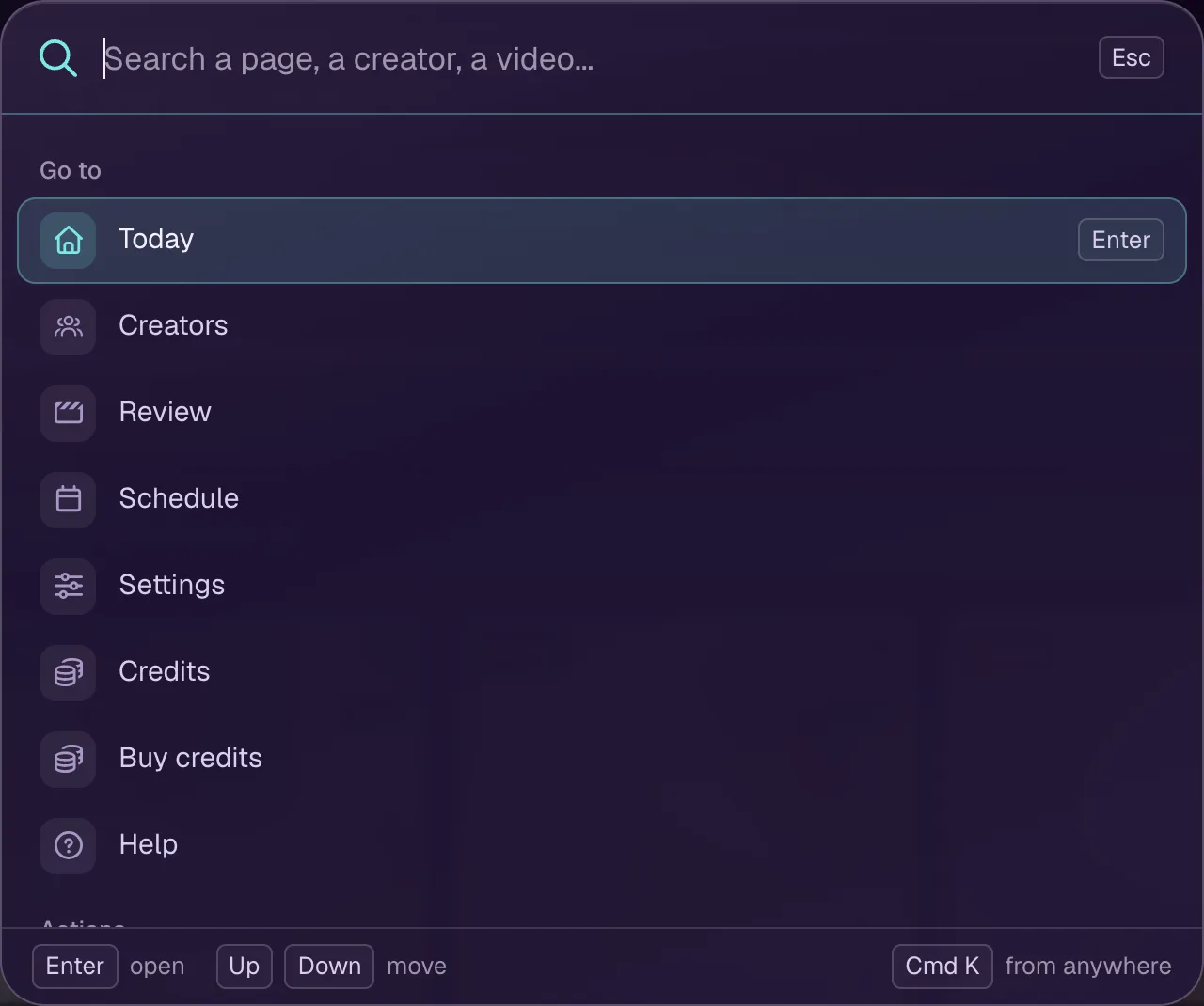
Cmd K, or Ctrl K on Windows, opens search from any screen. Type a page, a creator or a video and press Enter. The search icon in the menu does the same.
Keyboard shortcuts
On a video's page and in To post:
- J or → moves to the next clip, K or ← to the previous one.
- ↑ and ↓ move a row up or down.
- X selects or deselects a clip; Cmd A selects every clip shown.
- P posts the selected clips, through the Post all window; with none selected, it opens the clip under the cursor.
- R keeps a clip from posting. With clips selected, it acts on the whole selection.
- Enter opens the clip.
- Space plays or stops the preview.
- Esc clears the selection, or closes what is open.
Anywhere: Shift D switches discreet mode, Cmd K opens search, and ? shows the list of shortcuts.
Discreet mode
Discreet mode blurs every thumbnail and video until you hover over it, or tap it on a phone. It is on by default. Switch it with the eye icon in the menu, with Shift D, or in Account settings.